
 LiveFreePrivate · no account
Fatal Retirement
A free, private retirement planner. Enter your age and at least one balance. Everything else is optional, and "Not sure" uses typical numbers, clearly labeled.
All your numbers stay on your device. No account, no sign-up, nothing sent to a server. Works whether you're still working or already retired.
Not financial advice. Illustrative estimates for education only; not financial, tax, or legal advice.
A look inside
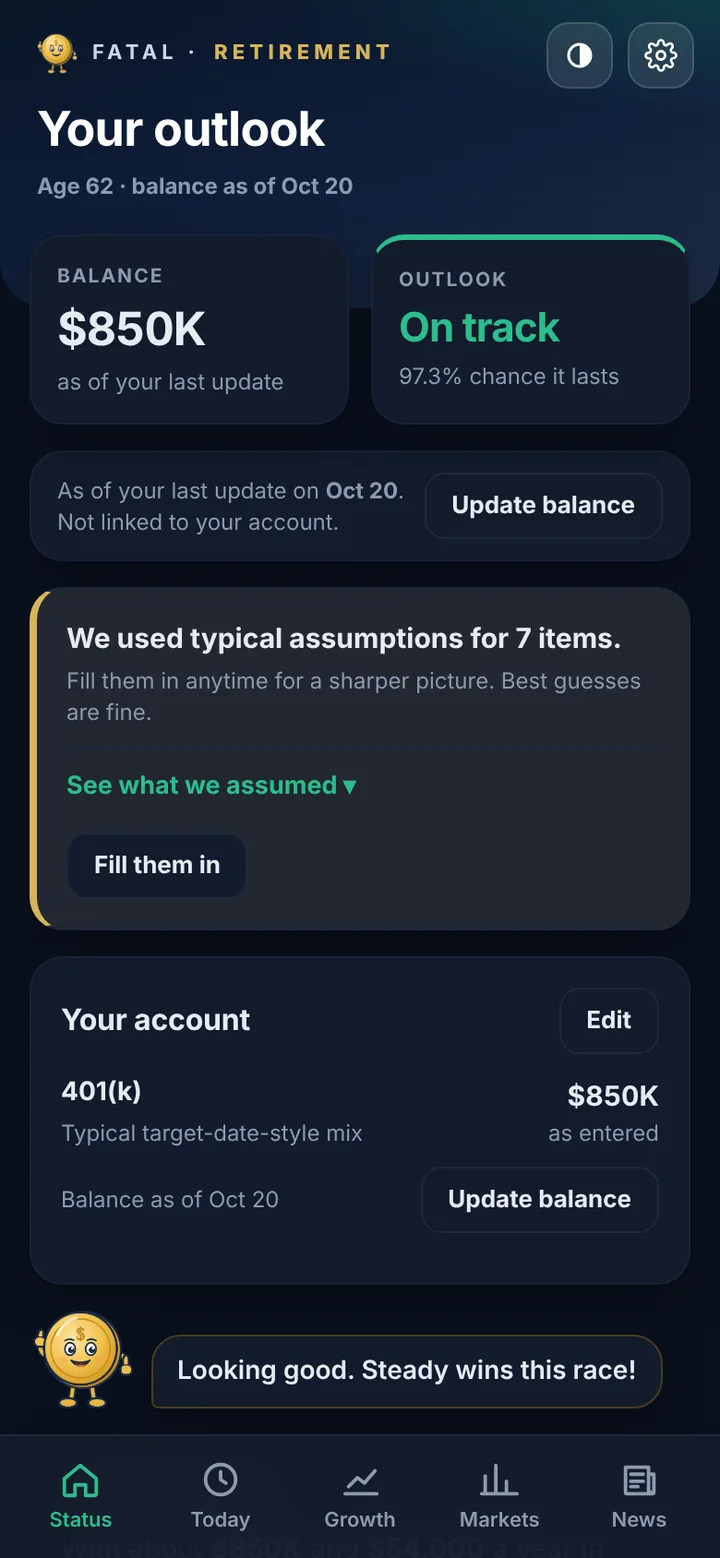
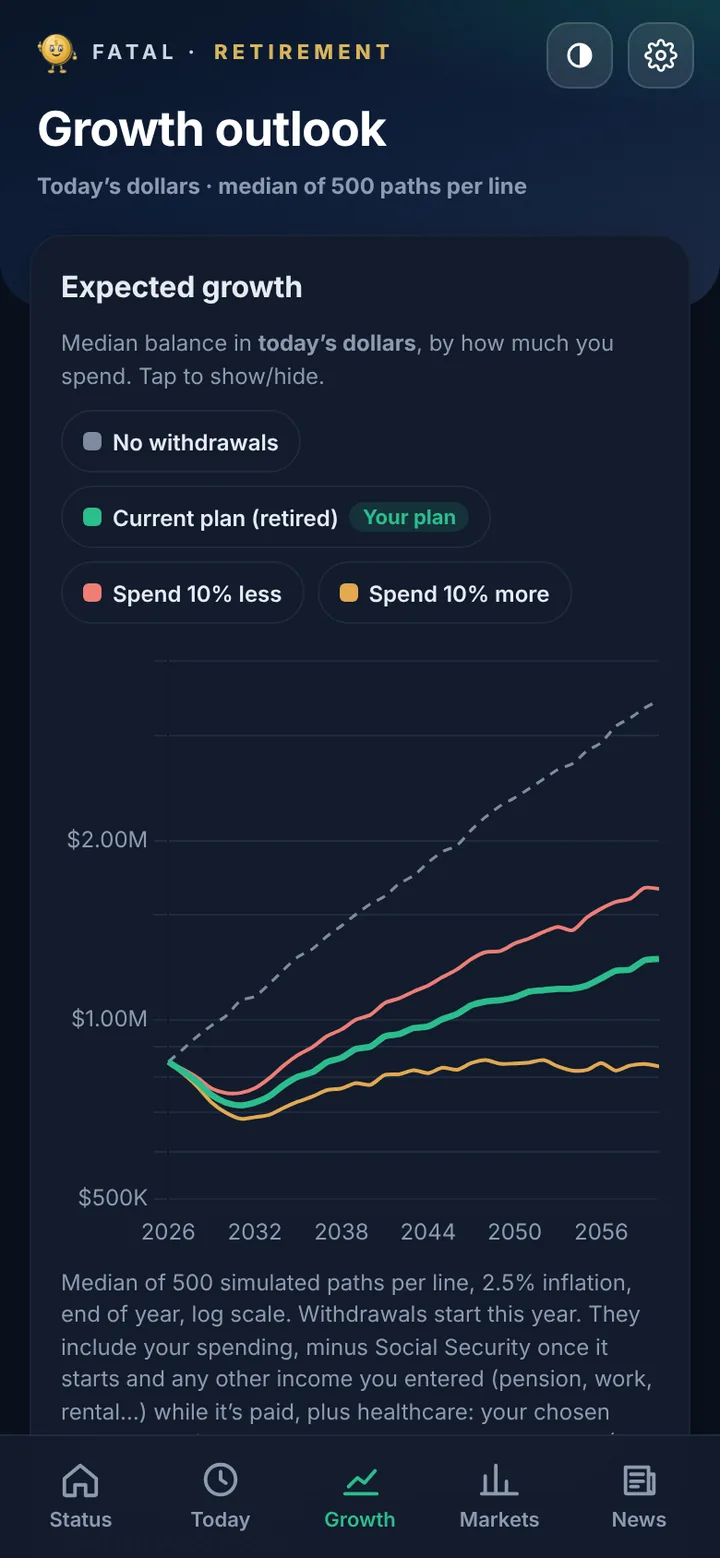
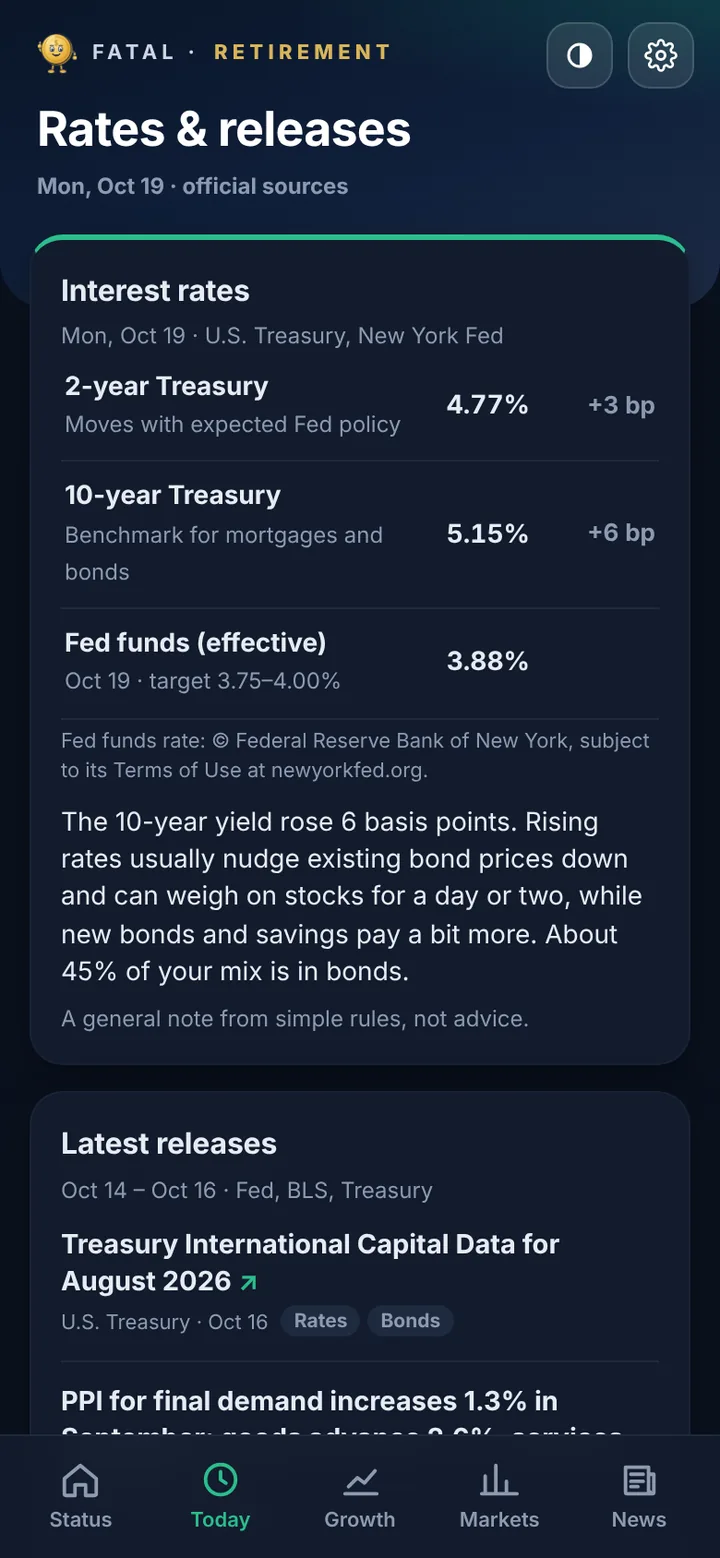
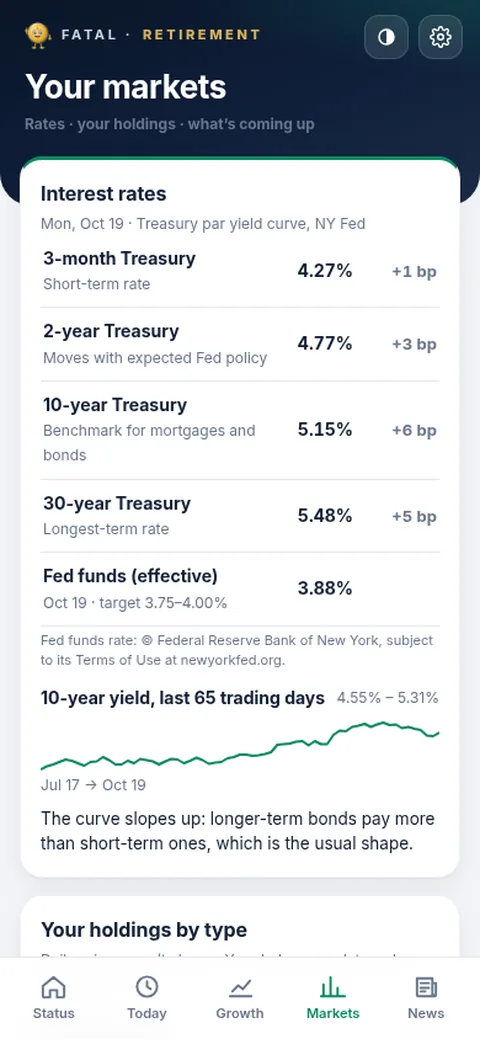
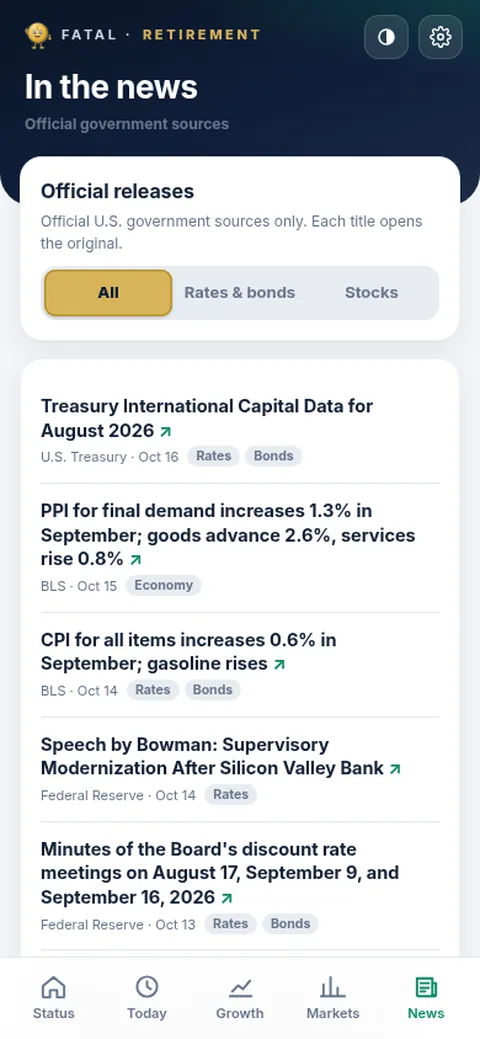
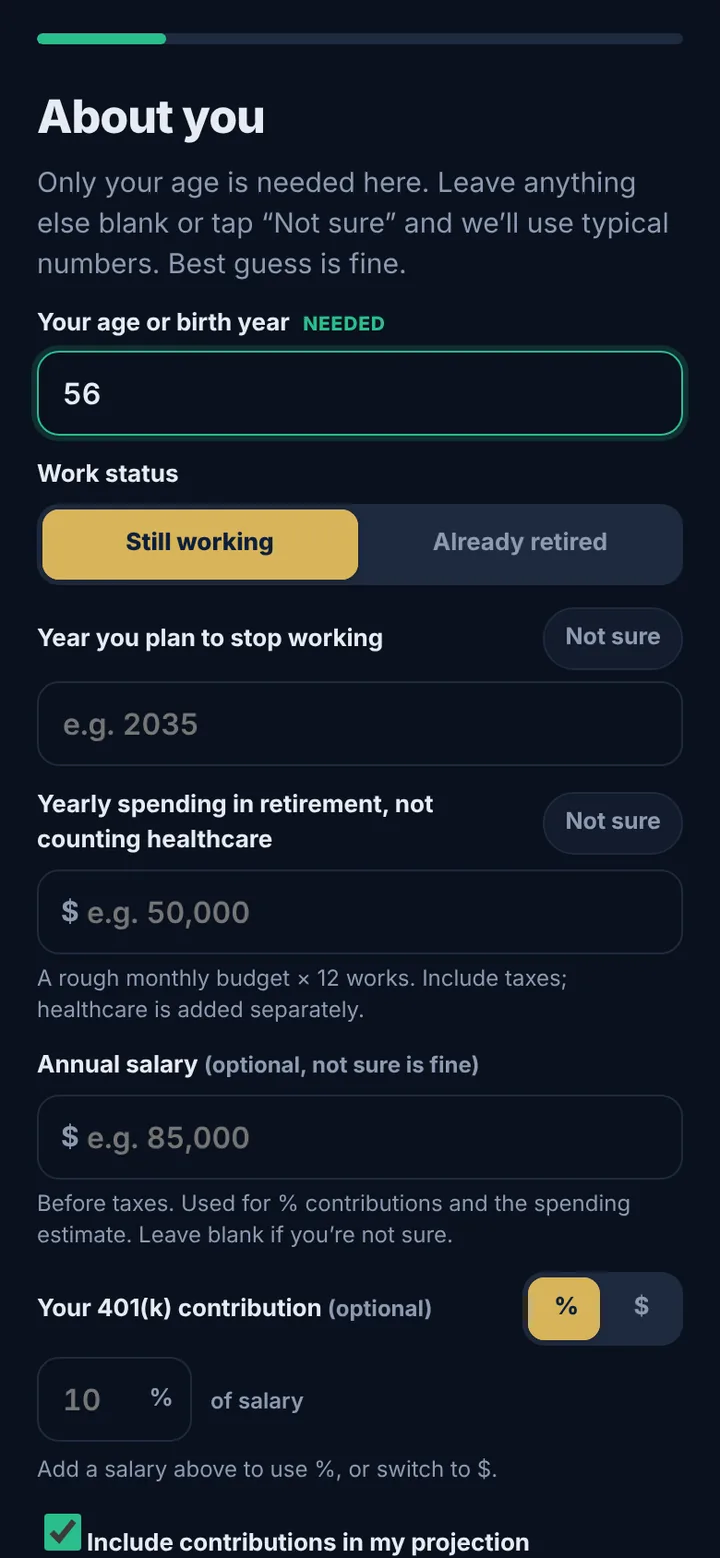
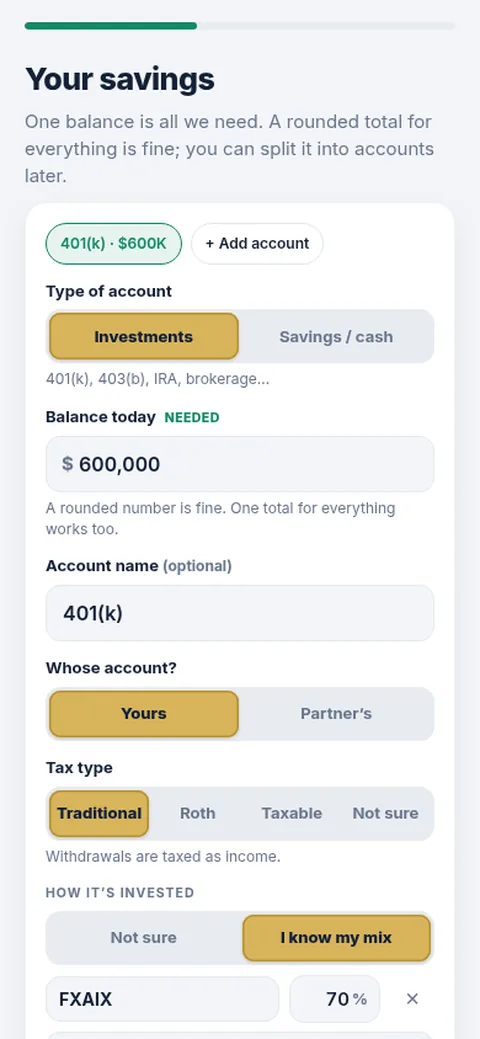
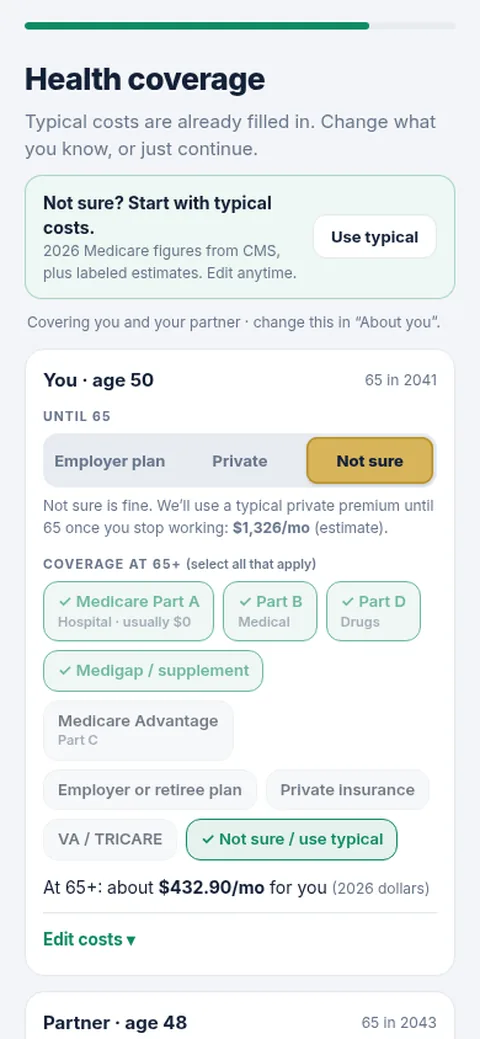
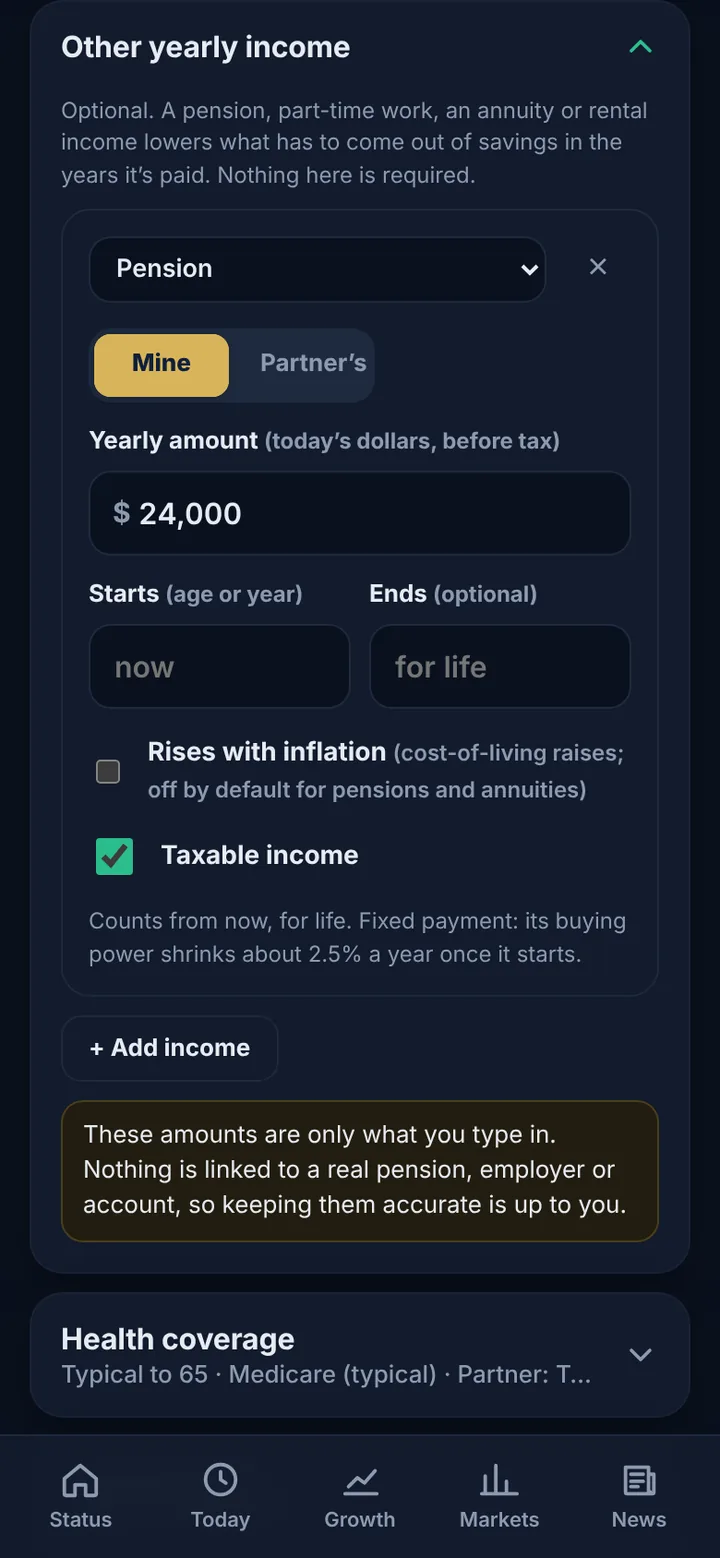
Screenshots show example data, not a real person's numbers. Swipe sideways for more, tap one to see it big.
Some of the cool stuff
- 🧭 Working or retiredWorks for people still working or already retired, with a rule-of-55 option and an explanation of it.
- 🤔 Only two things neededYour age and at least one balance. Everything else is optional; "Not sure" uses typical numbers, clearly labeled.
- 💼 Salary and 401(k)Contributions as a % or a $ amount, with 2026 limits and catch-ups, and a toggle to include them or not.
- 🏦 Your accounts401(k) or IRA (Traditional or Roth), taxable, and high-yield savings with APY. Partner accounts too, ticker recognition, and an Update balance button.
- 💵 Other yearly incomePension, part-time work, annuity or rental income, with start and end years.
- 🎲 Thousands of market pathsIt simulates thousands of possible markets to show the chance your money lasts, plus growth lines for different stop-working years.
- 🧾 Taxes and RMDs2026 federal brackets, Traditional vs Roth, an optional state %, and required minimum distributions.
- 🩺 Healthcare costsIncluding Medicare.
- 📰 Today, Markets and NewsFree official government data only: Treasury yields, the Fed rate, the Fed/BLS release calendar (CPI, jobs), government headlines and SEC filings for popular stocks. Updated every weekday. No market prices.
- 🔒 PrivateAll your numbers stay on your device. No account, no sign-up, nothing sent to a server.
- ✍️ You keep it currentBalances are not linked to real accounts. You keep them up to date yourself.
- ♥ FreeFree, and installable to your phone's home screen. Donate if you like it.
Illustrative estimates for education only; not financial, tax, or legal advice.
Fresh gold
New v0.9.8
- 🚀 LaunchedFatal Retirement launched on October 20, 2026.
What's next
More on the way. Got an idea? Email me.
No app store needed
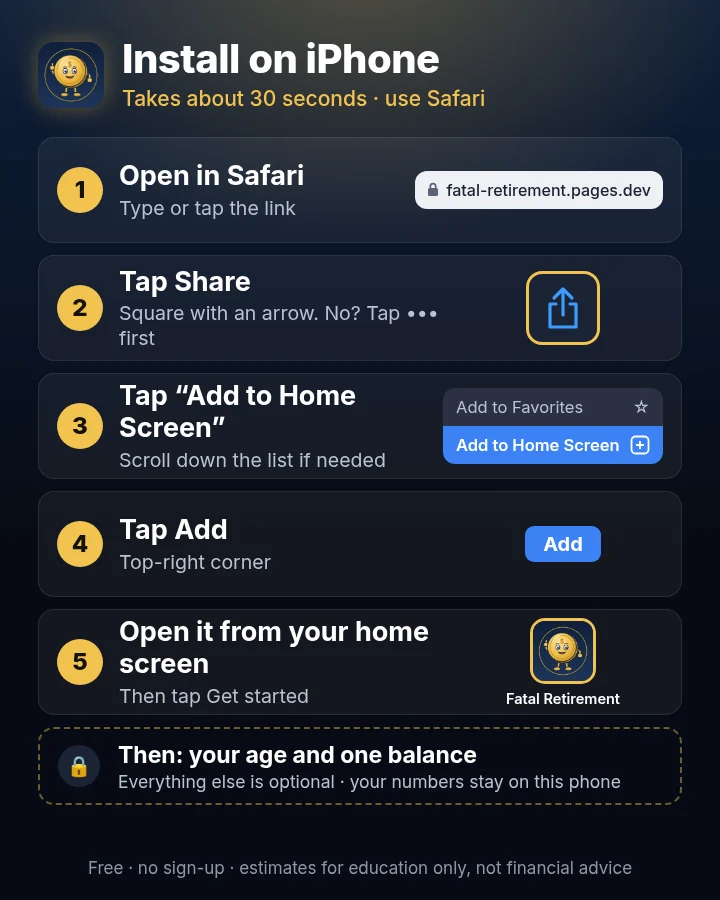
iPhone
- Open fatal-retirement.pages.dev in Safari
- Tap the Share button (square with an up arrow; don't see it? tap ••• first)
- Tap Add to Home Screen
- Tap Add
- Open Fatal Retirement from your home screen
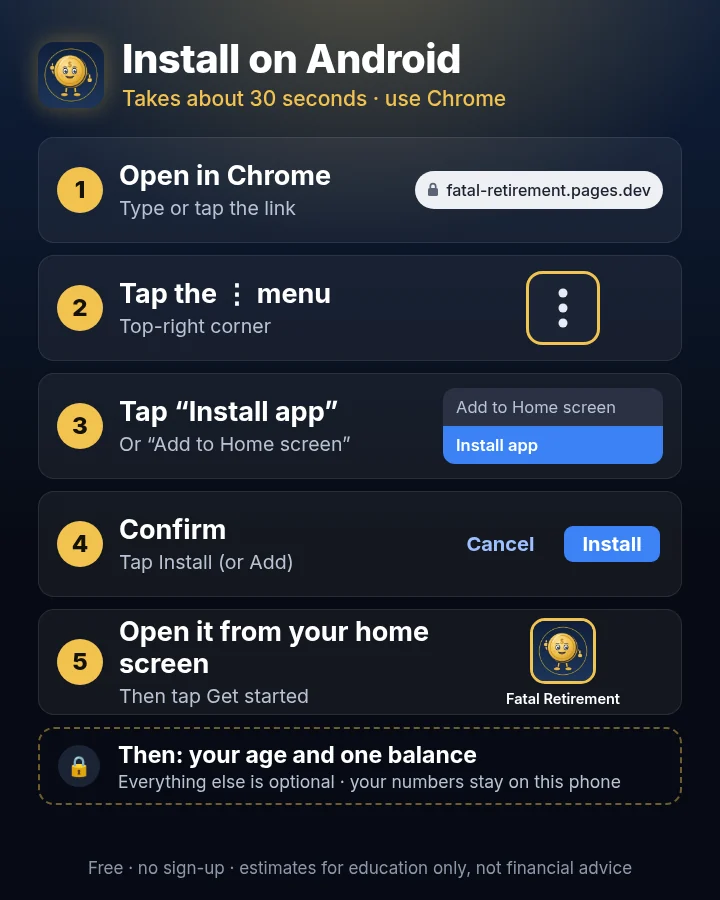
Android
- Open fatal-retirement.pages.dev in Chrome
- Tap the three-dot menu (top-right)
- Tap Install app (or Add to Home screen)
- Tap Install (or Add)
- Open Fatal Retirement from your home screen
First run: about two minutes
- Tap Get started.
- Enter your age (or birth year). Everything else is optional: leave it blank or tap Not sure and it uses typical numbers, clearly labeled.
- Add at least one balance, then see the chance your money lasts.
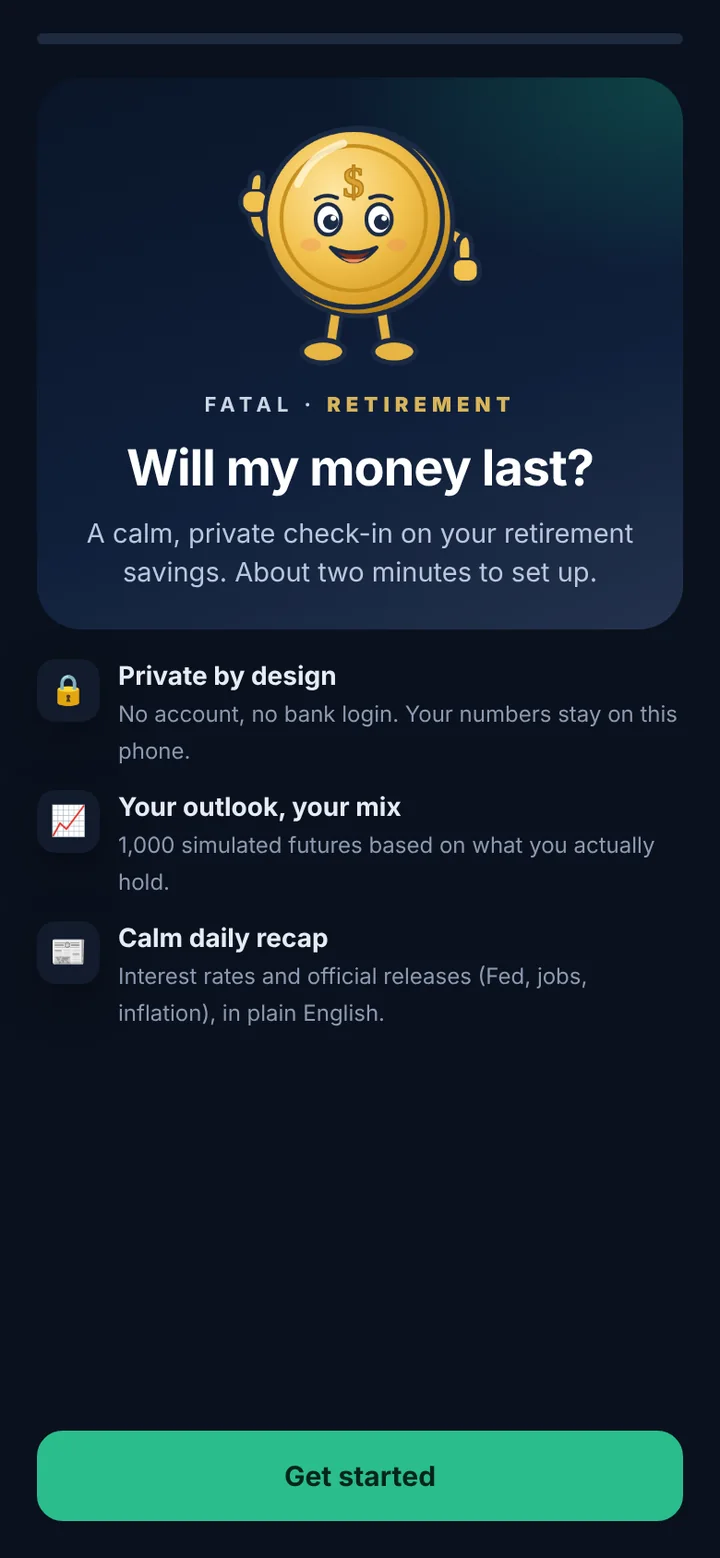
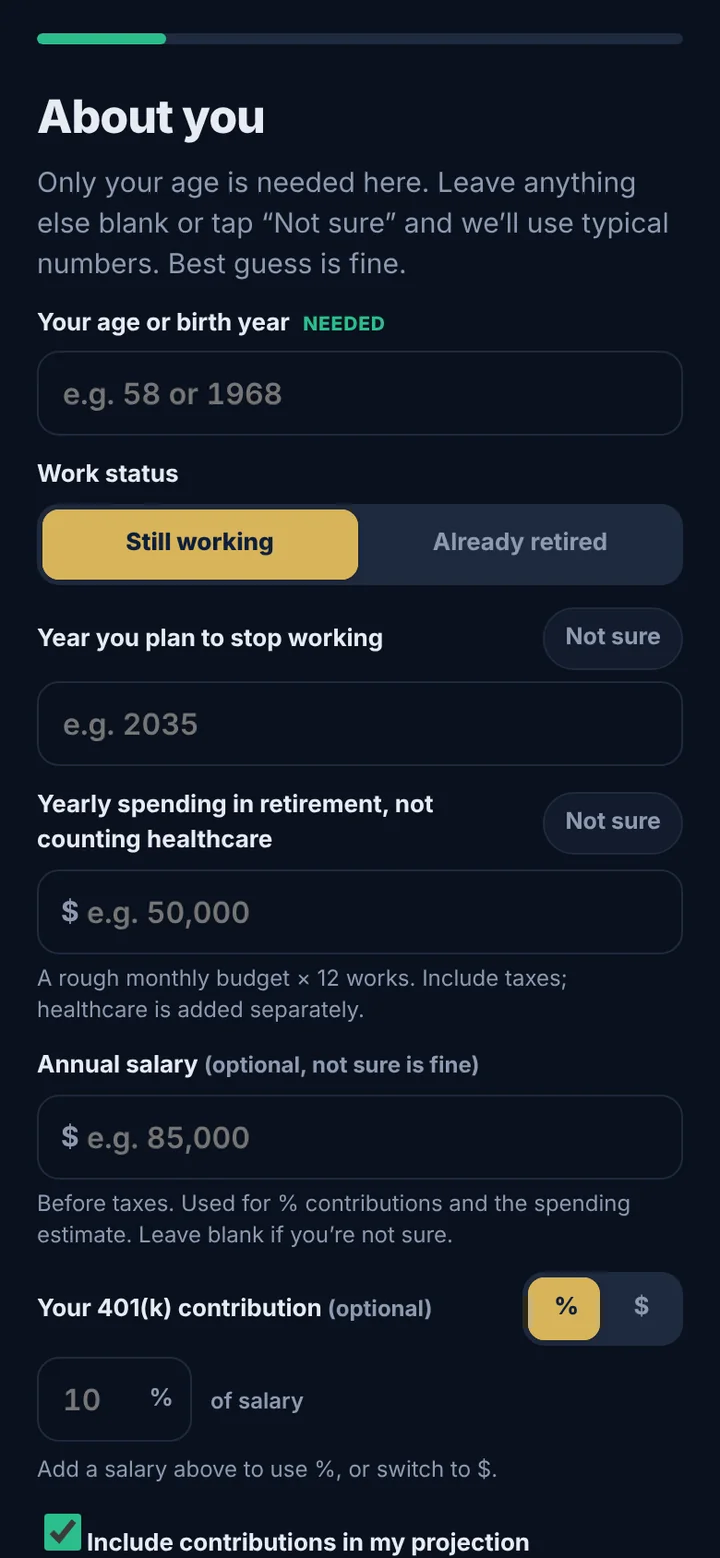
Your numbers stay on that phone. Screens show a fresh install with nothing filled in.
Questions from the vault
Is this financial advice?
No. Fatal Retirement gives illustrative estimates for education only. It is not financial, tax, or legal advice.
Does it connect to my bank or my 401(k)?
No. Balances are not linked to real accounts. You keep them up to date yourself, with the Update balance button.
Where are my numbers kept?
On your device. There's no account and no sign-up, and nothing is sent to a server.
What do I have to enter?
Just your age and at least one balance. Everything else is optional, and "Not sure" uses typical numbers, clearly labeled.
I'm already retired. Does it work for me?
Yes. It works for people still working or already retired, and there's a rule-of-55 option with an explanation.
Does it handle taxes?
It uses 2026 federal brackets, Traditional vs Roth, an optional state %, and required minimum distributions (RMDs). Healthcare costs, including Medicare, are in there too.
Does it show stock prices?
No market prices. The Today, Markets and News tabs use free official government data only: Treasury yields, the Fed rate, the Fed/BLS release calendar (CPI, jobs), government headlines and SEC filings for popular stocks, updated every weekday.
Does it cost anything?
It's free. If you'd like to help, donate with PayPal. Never required.

Plan it your way.
Open it in your browser, add it to your home screen, and enter your age and one balance.
Open Fatal Retirement ↗ ♥ Donate ← All appsIllustrative estimates for education only; not financial, tax, or legal advice.